Download and Upload Application
The Download and Upload Application feature allows you to duplicate applications by downloading and re-uploading them.The application, including its entire model–folder–module structure and the references between models, is downloaded and uploaded together.
How to Use the Download Application File?
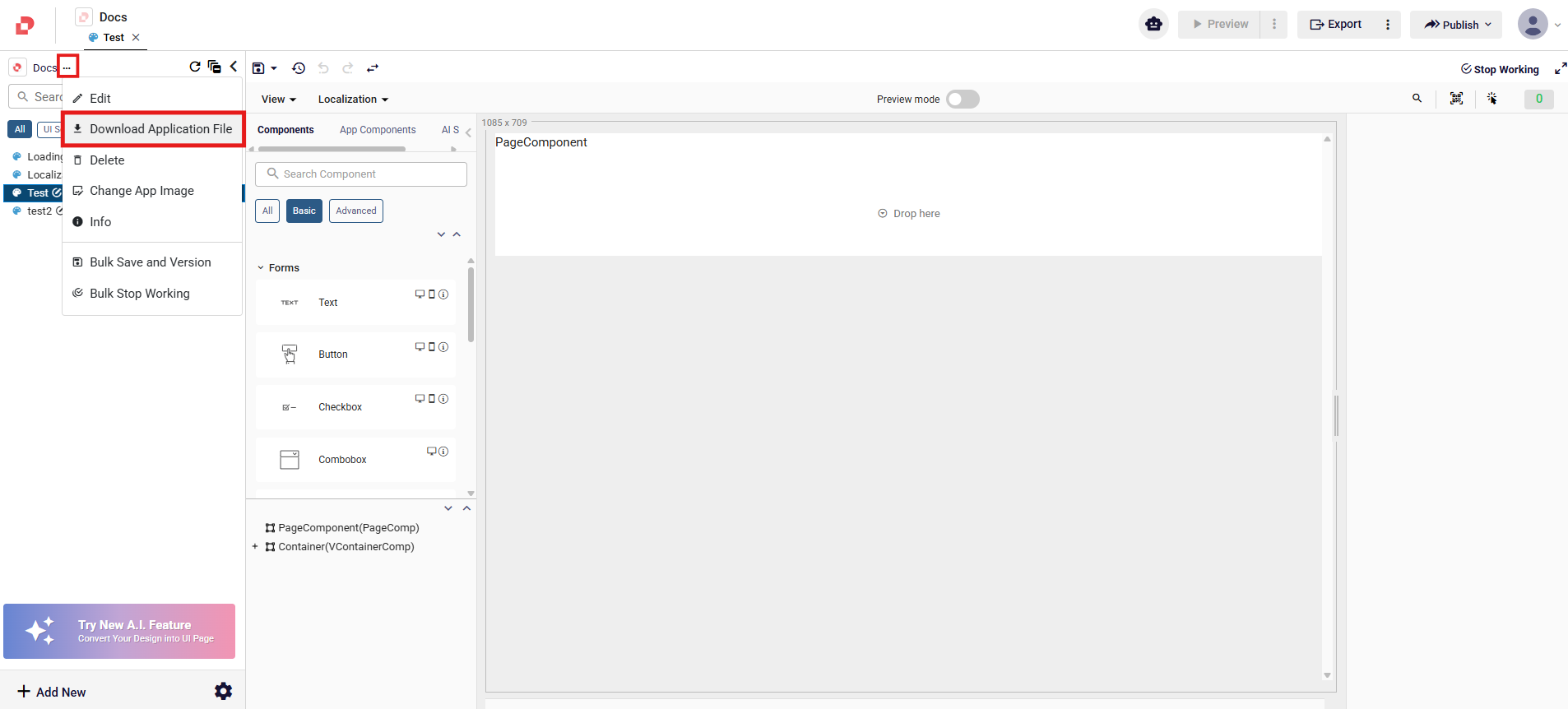
Access the Download Application File from the three‑dot menu next to the application name.
How to Use the Upload Application File?
- Navigate to the Applications Dashboard, where all applications are listed.
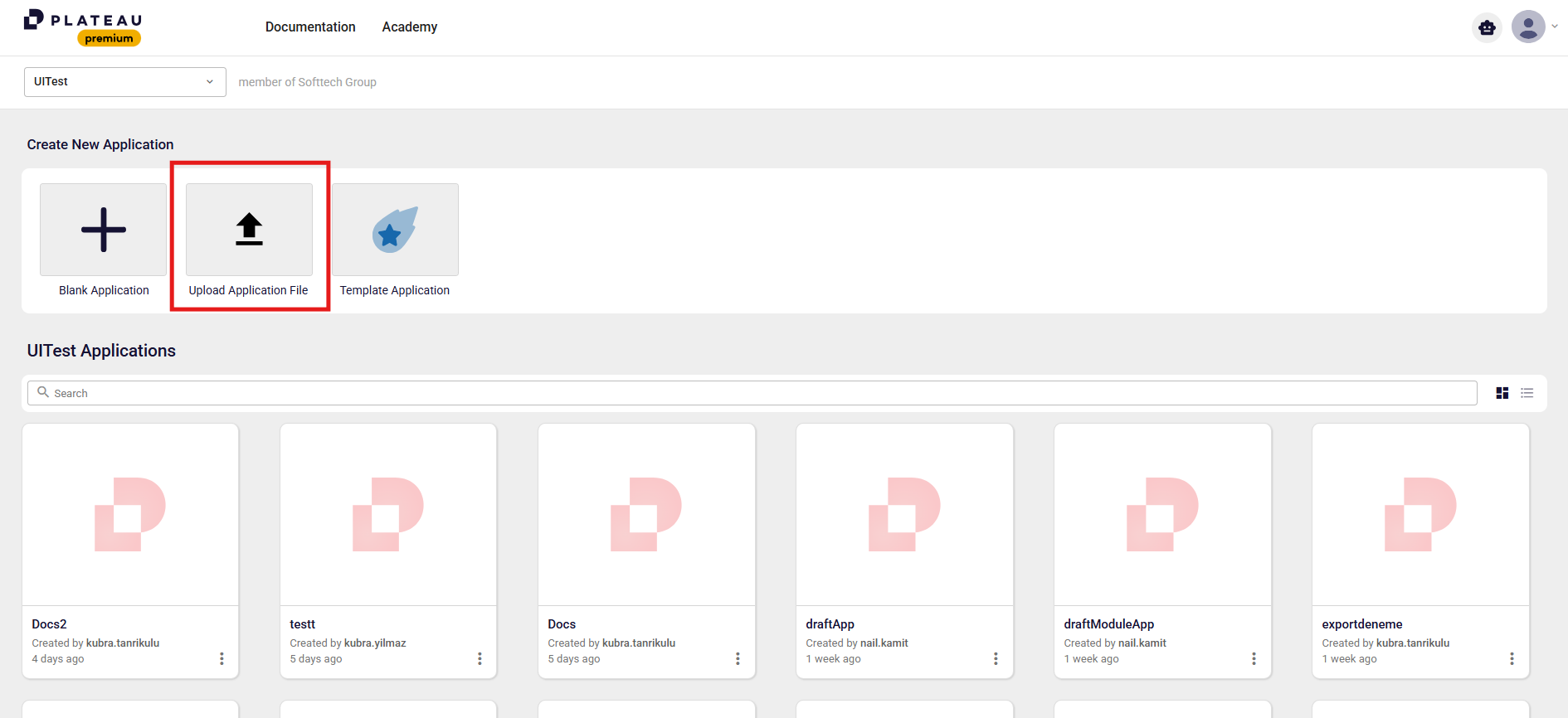
- Under Create New Application, click Upload Application File.
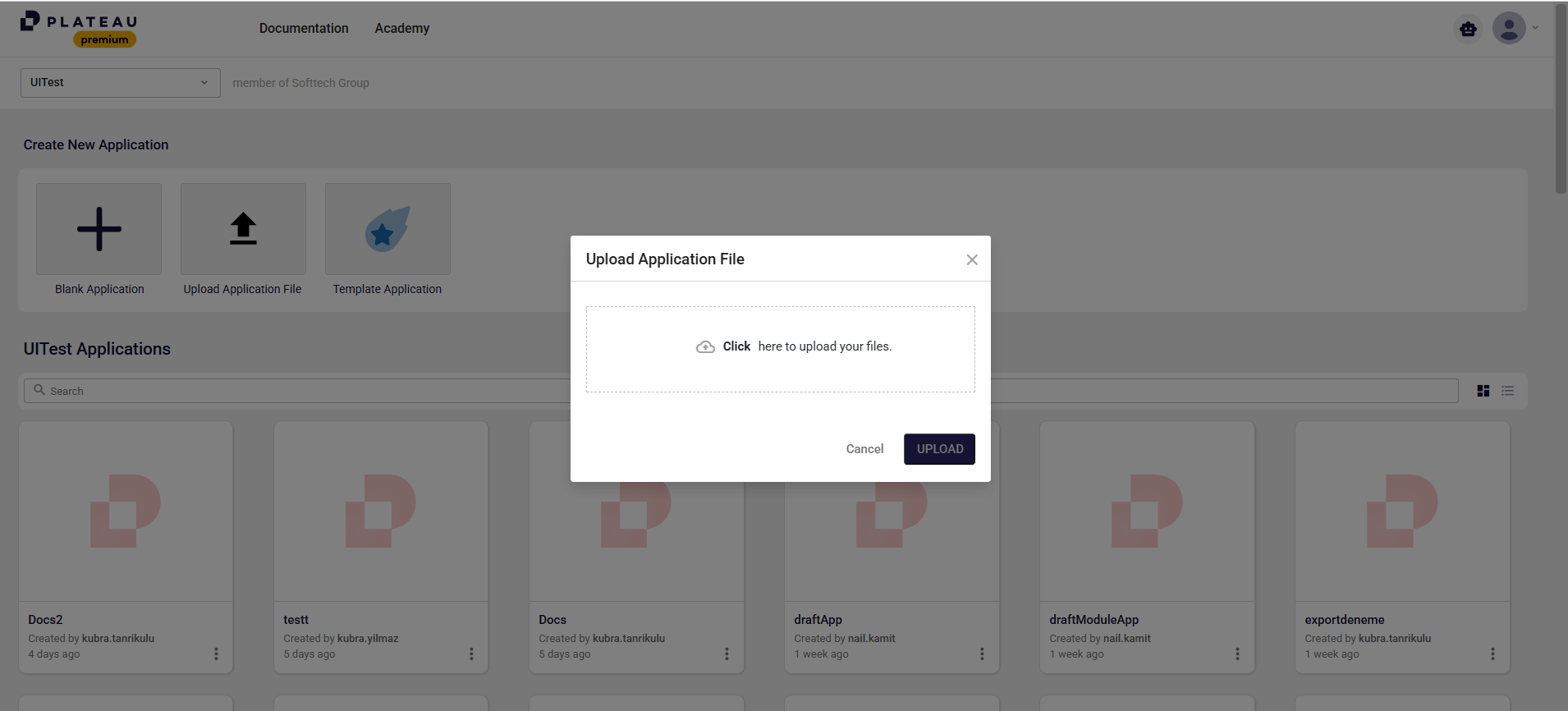
- A popup opens to upload the application file.
- Select your application file and click the Upload button.
- Once the upload is completed, a second popup is displayed.
- In this popup, provide:
- Application Name
- Description
- Click the Create button to complete the process. After completion, the application is recreated as a new application under your own account using the existing configuration.