Global Module Sharing
With Global Module Sharing, you can publish a module globally so that applications in other organizations can discover, import, and reuse it. Modules are shared as versioned packages, can be imported at a specific version or with an update strategy (always resolving to the latest matching version), and are brought in together with their nested modules.
Sharing a Module Globally
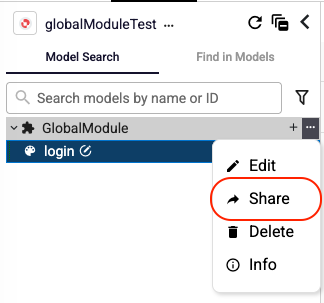
Open the module's options menu and select Share.
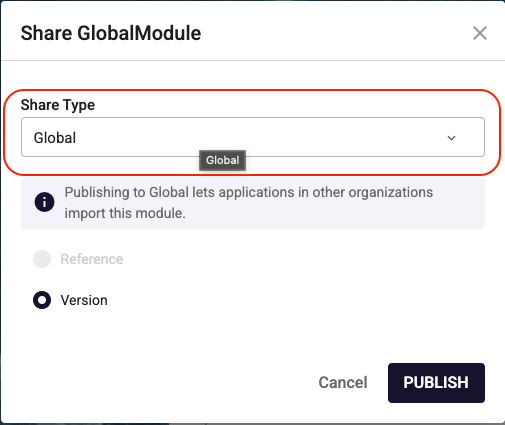
Set Share Type to Global and click PUBLISH. Publishing globally lets applications in other organizations import this module.
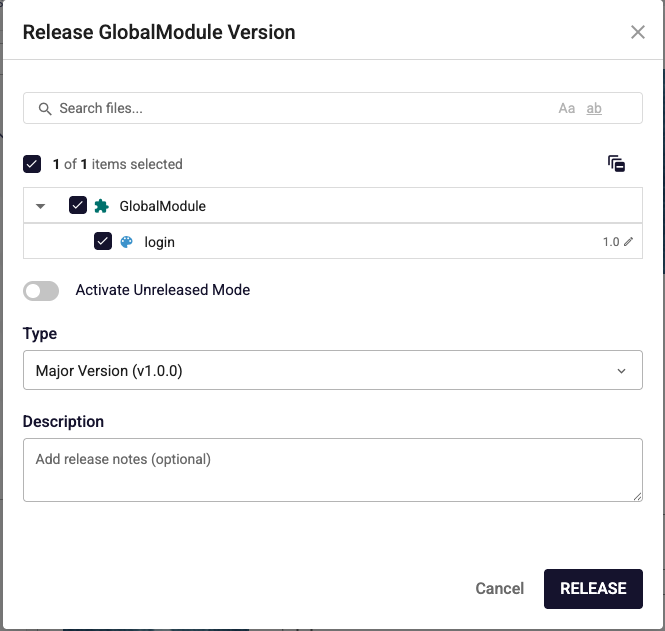
Publishing globally requires a released version. Choose the increment type (Major / Minor / Fix), optionally add release notes, and click RELEASE.
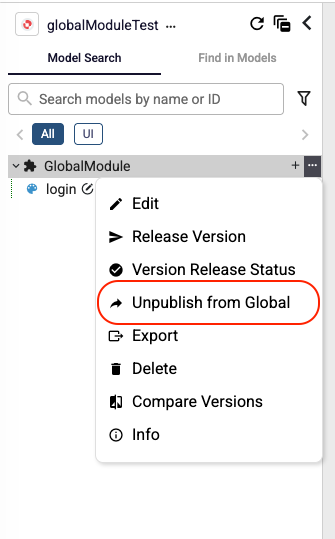
Once a module is shared, its options menu offers the Unpublish from Global option to remove it from global sharing.
Importing a Globally Shared Module
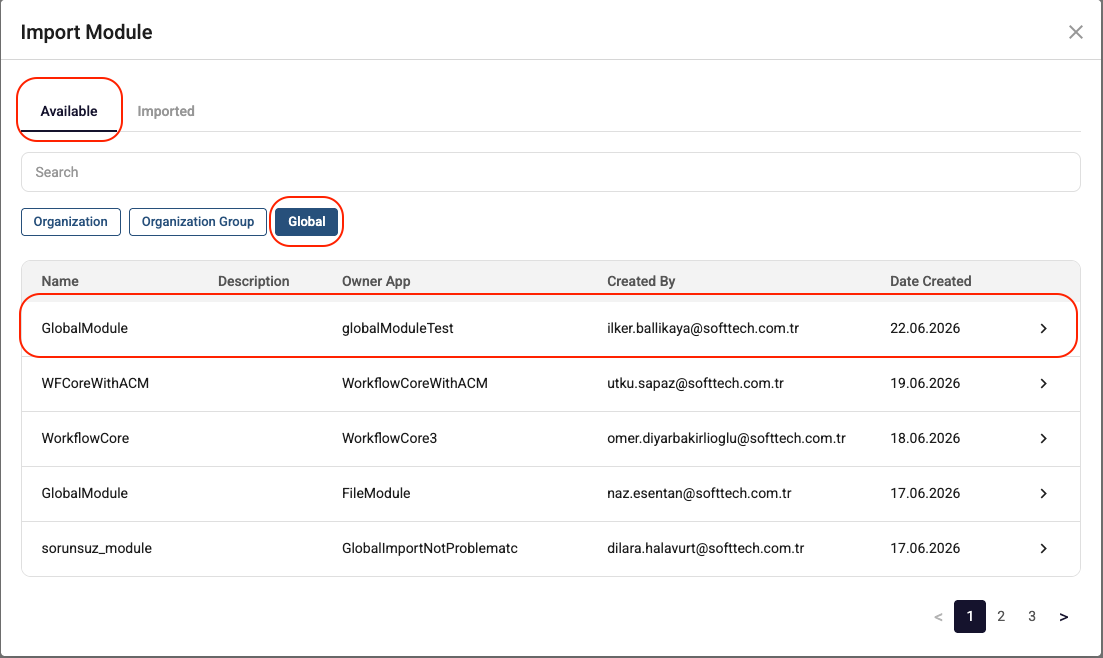
In another application, open Import Module, go to the Available tab, and select the Global scope to browse or search for shared modules.
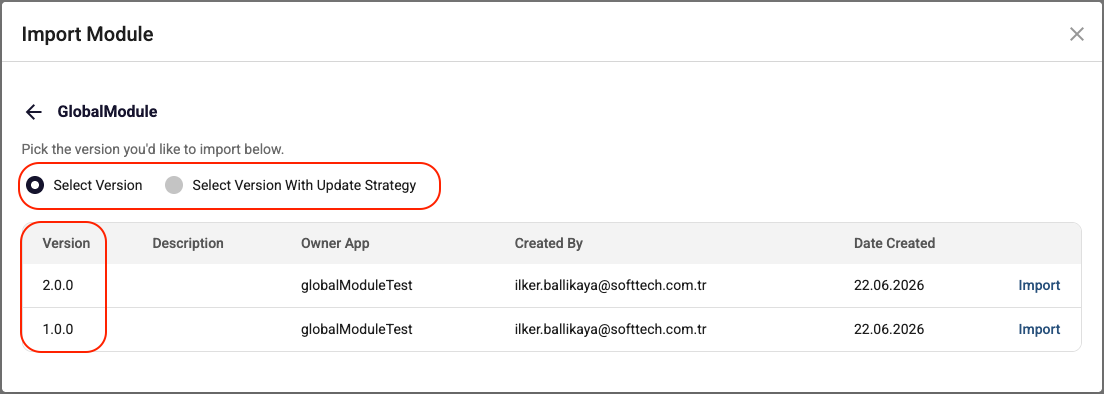
Pick the version you want to import — choose Select Version for a fixed version, or Select Version With Update Strategy to always resolve to the latest matching version — then click Import.
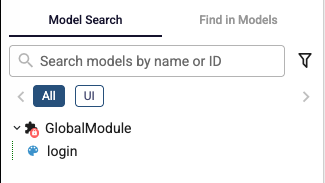
The imported module appears in your application and can be used like any other module.
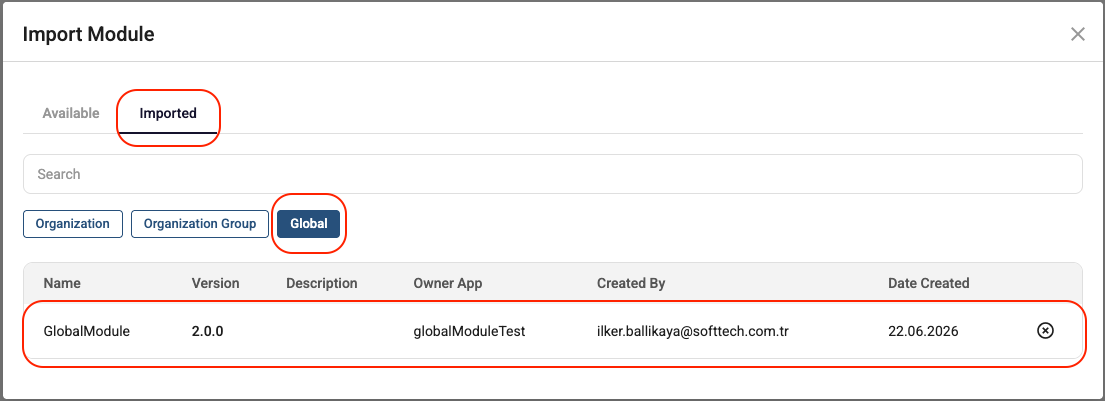
To manage imported modules, open Import Module → Imported → Global, where you can see the imported version and owner application, or remove the module.
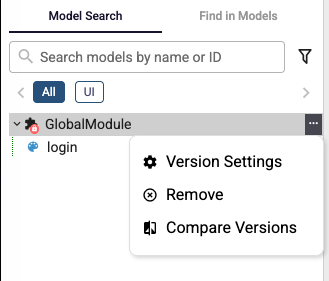
An imported module's options menu provides Version Settings, Remove, and Compare Versions.