Data Instance Context
The Data Instance is where your workflow keeps its business data. It is the container that carries all the information your process needs from start to finish.
Data Instance
Think of the Data Instance as a form that follows your process around. Every field you need -- customer names, request amounts, approval decisions -- lives here and is available at every step.
For example, a loan approval workflow might store:
- customerName -- the applicant's name
- requestAmount -- how much the applicant is asking for
- approvalStatus -- pending, approved, or rejected
- department -- which team is handling the request
Linking a DataType to Your Workflow
To define what fields your Data Instance contains, you link it to a DataType model in the workflow's store configuration. The DataType is like a template: it lists all the fields and their types.
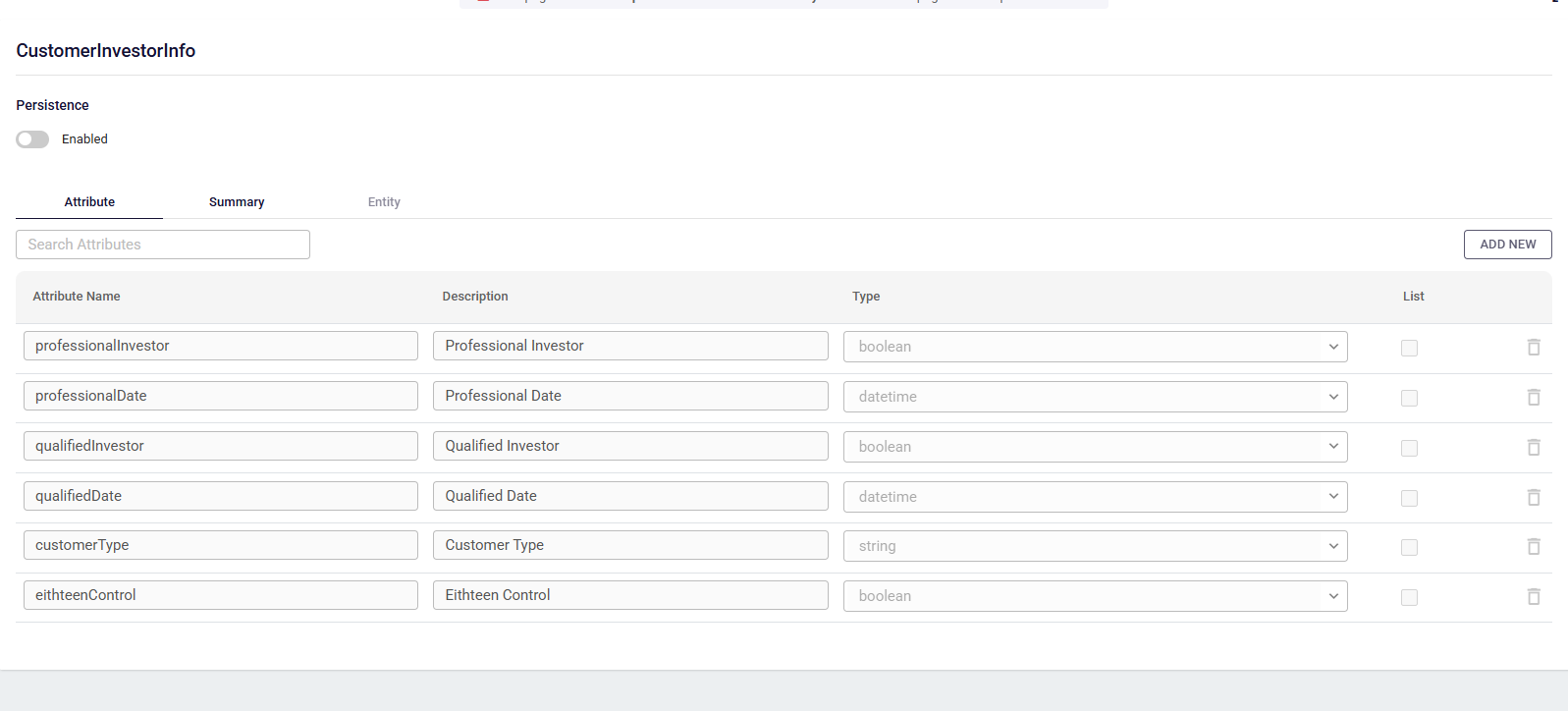
To set this up:
- Open the workflow store settings.
- Find the dataInstance entry in the context section.
- Set its objectID to your DataType model.
Once linked, you get:
- Autocomplete in the expression editor -- field names are suggested as you type
- Validation of your data mappings between steps
- A clear, documented structure that other team members can understand
Reading and Writing Data Instance Values
In Expressions
You can reference Data Instance fields anywhere expressions are supported:
context.dataInstance.customerName
context.dataInstance.requestAmount
context.dataInstance.nestedObject.property
Data Flow
| Stage | What Happens |
|---|---|
| Process starts | The Data Instance is created with the initial input data. |
| During execution | Each step can read and modify the Data Instance. Changes are saved automatically between steps. |
| Process completes | The Data Instance is archived with the process for future reference. |
You do not need to manually save or load the Data Instance. Studio handles this for you at every step transition.
Data Instance vs Process Instance
It helps to understand the difference between these two:
| Data Instance | Process Instance | |
|---|---|---|
| What it holds | Your business data (the fields you define) | System information (status, tasks, SLA, participants, files, notes) |
| Who defines it | You, through a DataType model | The workflow engine |
| Can you change it | Yes, in Function steps and mappings | Only certain fields (status and priority are managed by the engine) |
| Example fields | customerName, requestAmount, approvalStatus | processId, businessKey, status, taskList, files |