Set
Set box maps values from one field to another.
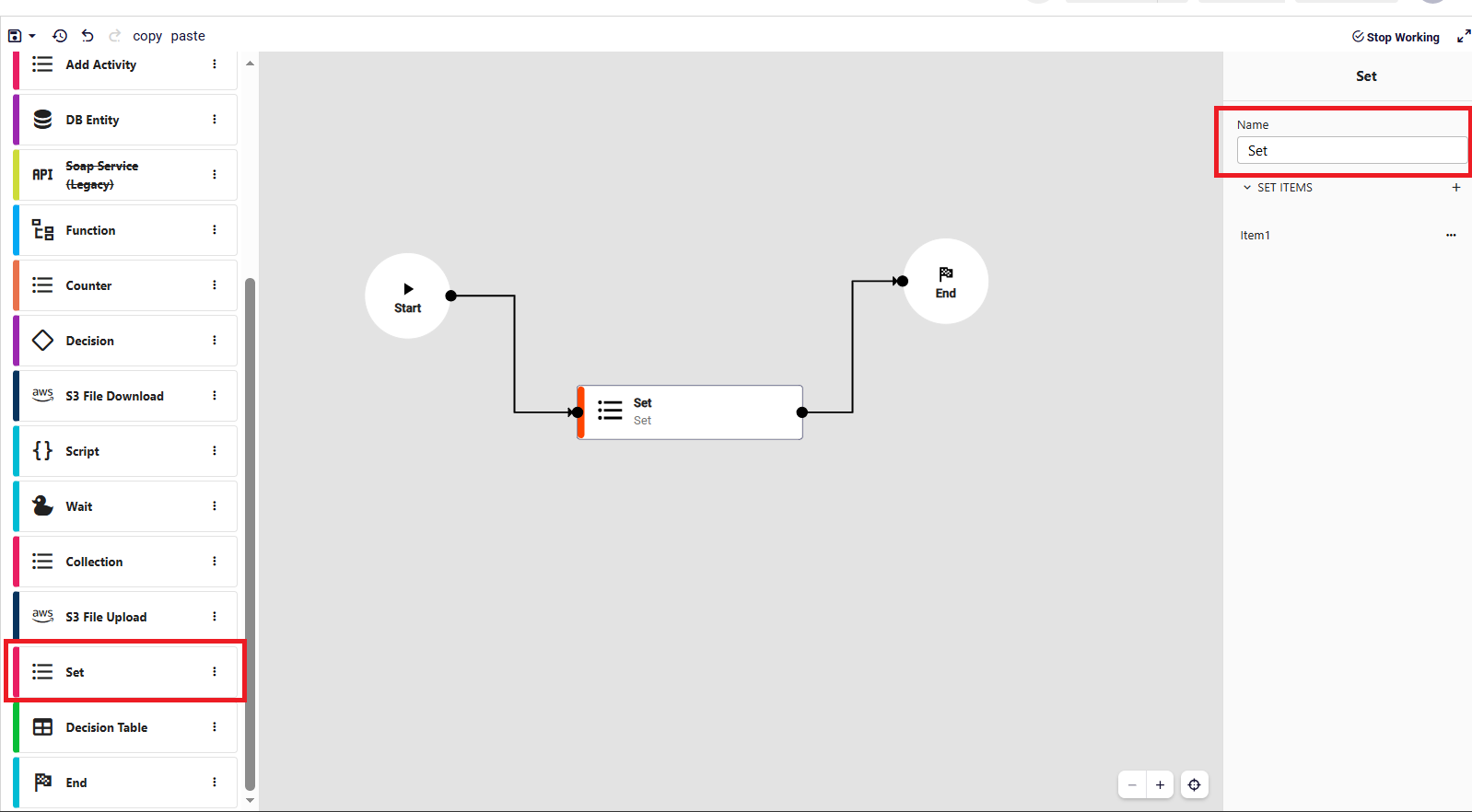
Drag and drop the Set box from the left panel onto the Canvas. When the Set box is selected on the canvas, the relevant fields to be configured are displayed on the right panel. You can enter a name for your Set box.
To add set items click the + icon on SET ITEMS. You can configure mappings and execute Set operations dynamically during runtime.
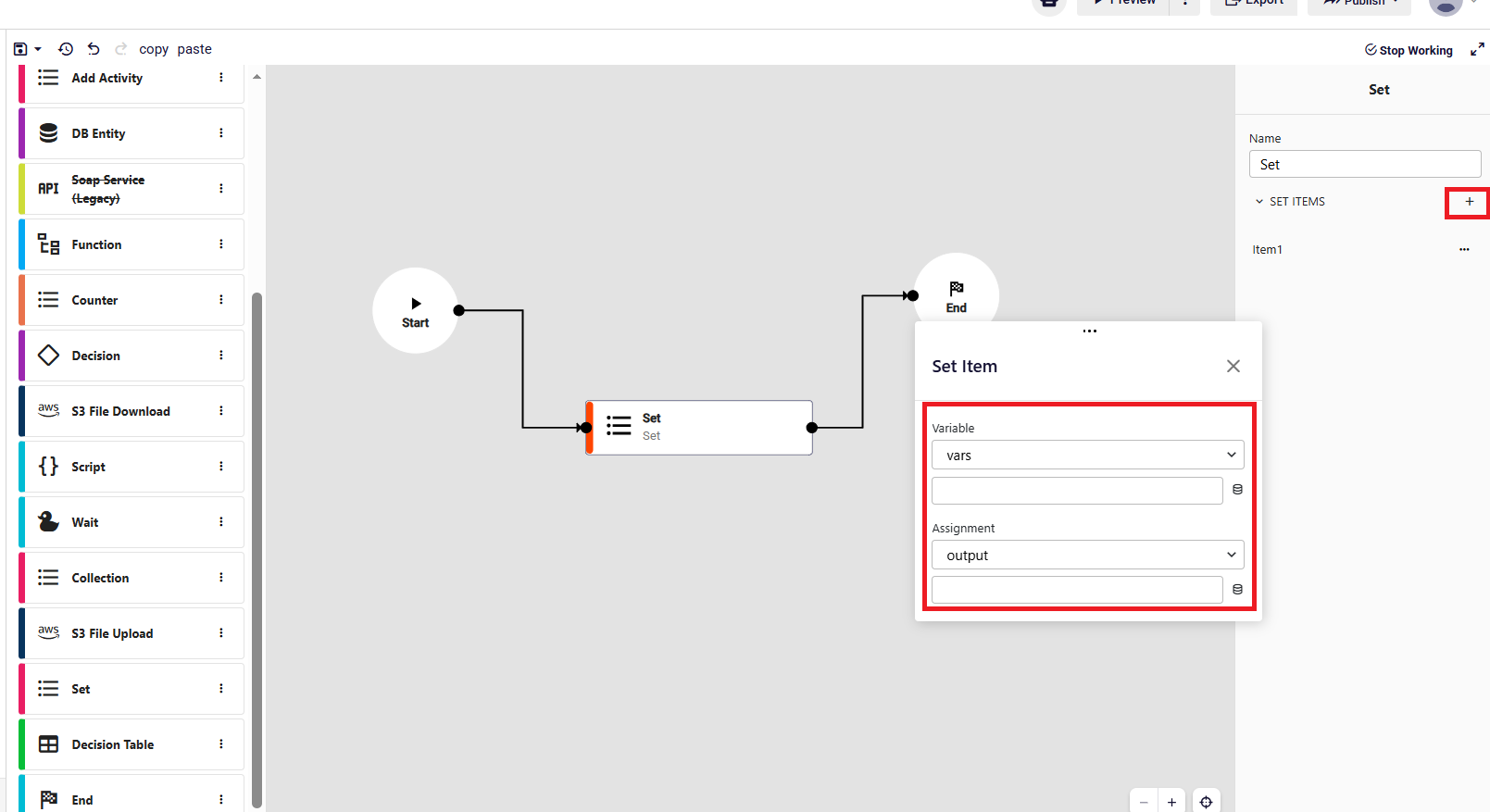
- Variable: Represents the target field where the value will be assigned.
- Assignment: Represents the source of the value.