Infinite Scroll
The InfiniteScroll component is a high-performance wrapper designed to handle large datasets. This component renders only a subset of items at a time to ensure UI responsiveness and a list of items based on a specified batch size (componentCount). As the user scrolls to the bottom of the list, a hidden trigger element enters the viewport, prompting the component to either render the next local batch or request new data via an event.
To access dynamically created components, the component instance can be retrieved via the quick.getComponent() method using the template component's ID and the newCompId field.
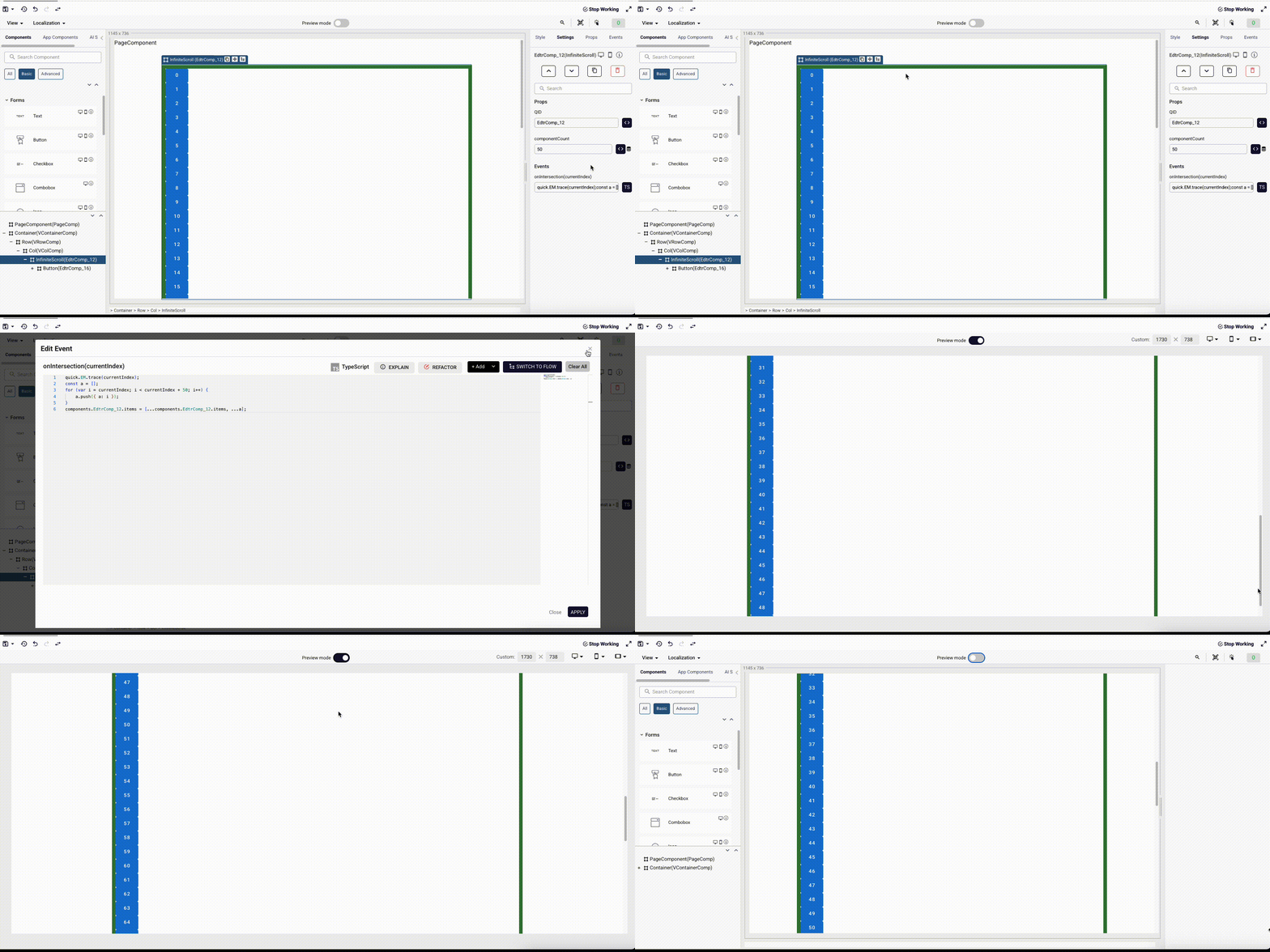
Prop
| Property | Type | Required | Default | Description |
|---|---|---|---|---|
componentCount | Number | ✅ Yes | - | Determines how many items are rendered in a single batch (chunk). |
items | Array<any> | ✅ Yes | [] | The source array containing the data items to be displayed. |
selectable | Boolean | No | - | (Mobile only) Selectable item |
multiselect | Boolean | No | - | (Mobile only) Multiple selectable item |
Events
| Event Name | Payload | Description |
|---|---|---|
onIntersection | currentIndex (Number) | Fired when the bottom trigger element enters the viewport. The payload contains the current count of rendered items. This is typically used to fetch more data from an API. |
onSelectionChange | selection (any) | (Mobile only) Triggered when the selection changes |
Slots
The component uses a Scoped Slot to delegate the rendering of individual items to the parent component.
| Slot Name | Scoped Props | Description |
|---|---|---|
default | { data, newCompID } | data: The individual item object from the items array. newCompID: The index of the item within the rendered list. |
Methods (Public API)
setItems(items: any[])
Resets the internal state and replaces the current list with a new dataset.
- Usage: Call this when the primary filter or data source changes entirely.
- Effect: Resets
currentIndexto 0 and clearsvisibleComponents.
addItems(items: any[])
Appends new items to the existing list and triggers the rendering of the next batch.
- Usage: Call this inside the parent's
onIntersectionhandler after fetching new data. - Effect: Updates
localItemsand callsloadNextComponents().
updateItem(index: Number)
(Mobile only) Update the item with given index
- Usage: Call this when you need to update specific item in the component.
- Effect: Updates
localItemsand callsloadNextComponents().