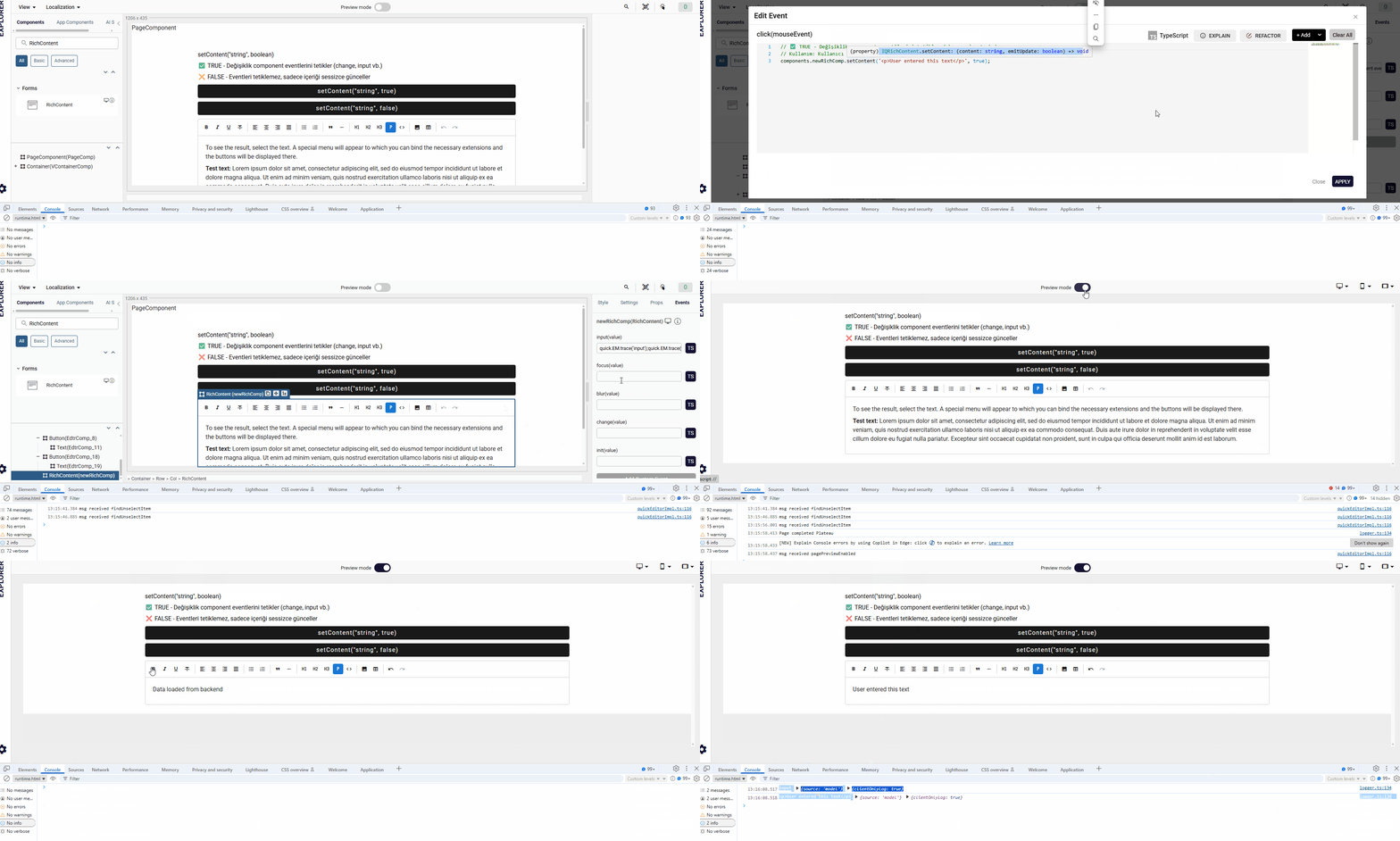
Rich Content
This component is the updated and improved version of the RichText component.
RichContent should be preferred over RichText for new developments.
RichContent is a powerful editor component built on TipTap v2. It provides a rich text editing experience with extensive formatting options, image uploads, tables, and more. The component uses modern extensions like StarterKit, TextAlign, Color, Link, Image, and Table support.
Props
| Attribute | Description | Type | Default |
|---|---|---|---|
| ToolbarColor | Define toolbar background color of the RichContent. | string | "" |
| buttonsHide | Control visibility of the toolbar buttons. When true, toolbar is hidden. | boolean | false |
| disabled | Disable RichContent component. Makes editor non-interactive. | boolean | false |
| readonly | Makes the RichContent content non-editable while still allowing selection. | boolean | false |
| height | Sets the height of the Rich Content editor area. | string | "auto" |
| width | Sets the width of the Rich Content component. | string | - |
| minHeight | Sets minimum height of the RichContent editor area. | string | "auto" |
| tabindex | Allows component to give and receive focus. | number | |
| content | RichContent HTML content value; controls editor HTML content. | string | Default sample text |
Events
| Event | Description | Payload |
|---|---|---|
| input | Event emitted when content changes (on every keystroke/edit) | string |
| focus | Event emitted when editor gains focus | string |
| blur | Event emitted when editor loses focus | string |
| change | Event emitted when content changes AND editor loses focus (on blur if changed) | string |
| init | Event emitted when editor is initialized and ready | string |
Methods
| Method | Parameters | Return Type | Description |
|---|---|---|---|
| getHTML | - | string | Returns current editor content as HTML string. |
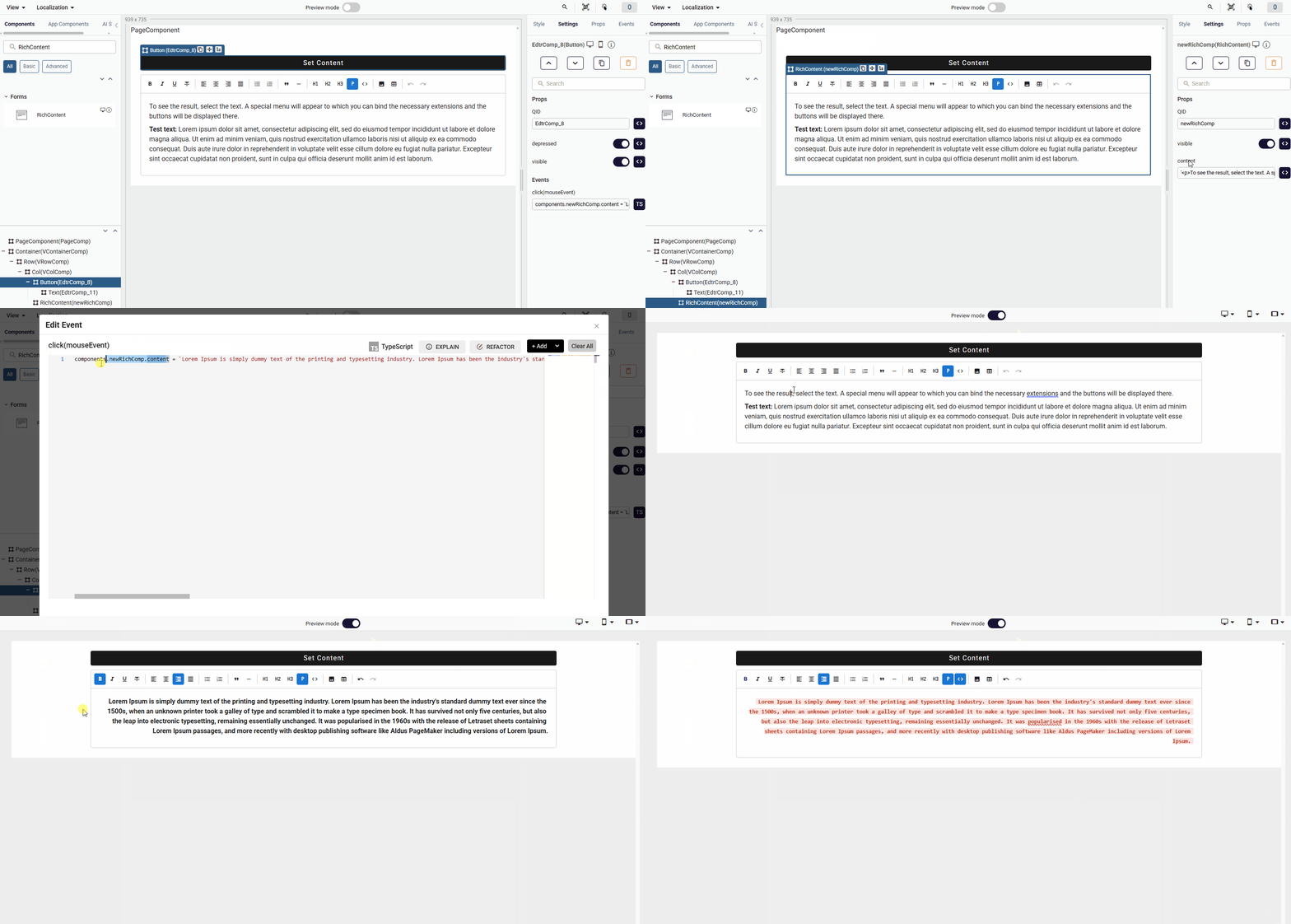
| setContent | htmlContent: string, emitUpdate?: boolean | void | Replaces the editor content with the passed HTML value. If emitUpdate is false, no input event is emitted. |
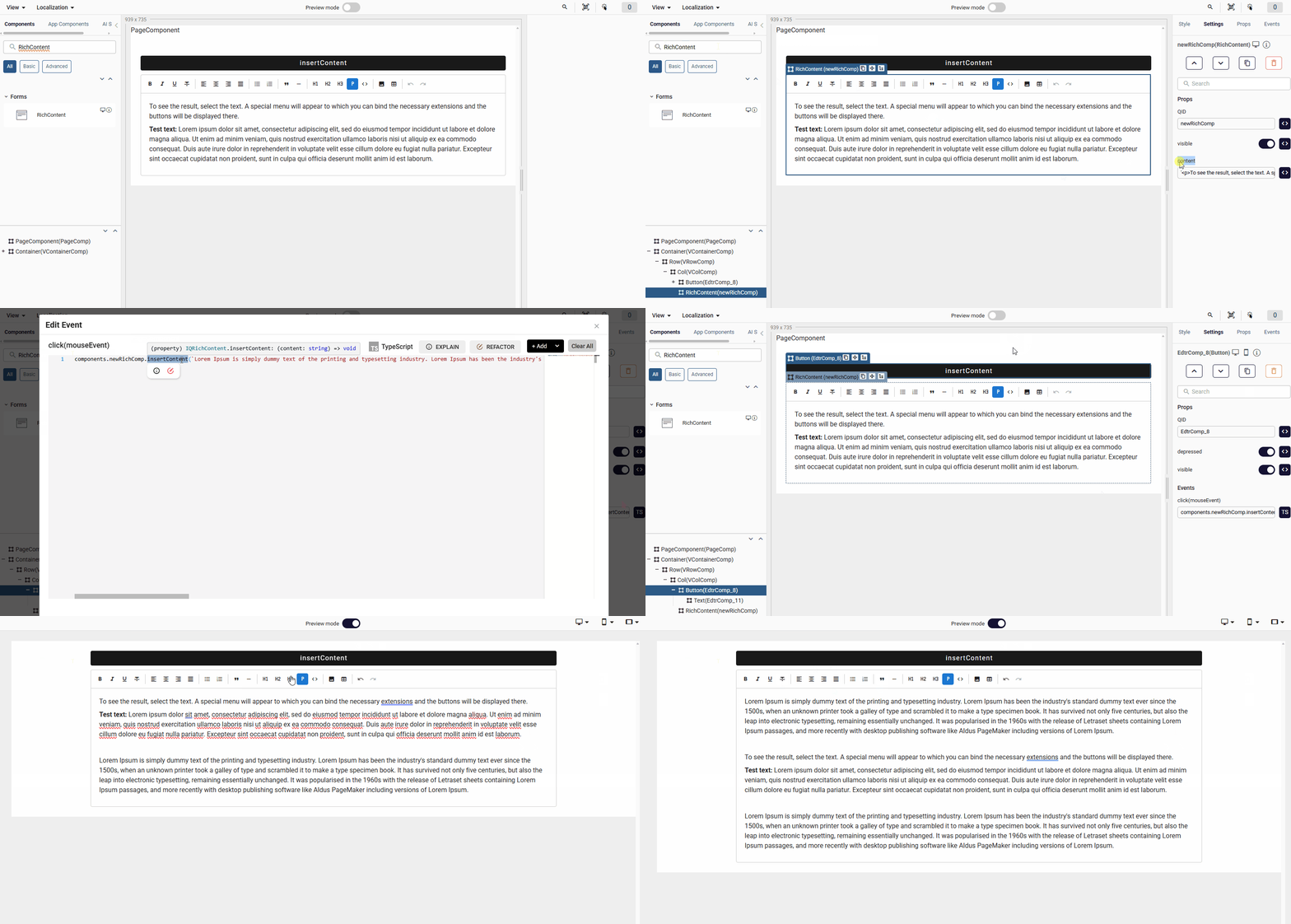
| insertContent | htmlContent: string | void | Inserts the passed HTML value into the document at the cursor location. |
Toolbar Features
The component includes a comprehensive toolbar with the following formatting options:
Text Formatting
- Bold, Italic, Underline, Strikethrough
- Code inline formatting
Text Alignment
- Left, Center, Right, Justify alignment options
Lists
- Bullet lists
- Numbered/Ordered lists
Block Elements
- Heading 1, 2, 3
- Paragraph
- Blockquote
- Horizontal Rule
Advanced Features
- Image insertion: Supports both URL and file upload (drag & drop supported)
- Table creation: Dynamic table insertion with configurable rows, columns, and header options
- Undo/Redo functionality
Usage Examples
RichContent-Default— Basic editor initialized with default placeholder content and a fully visible toolbar.
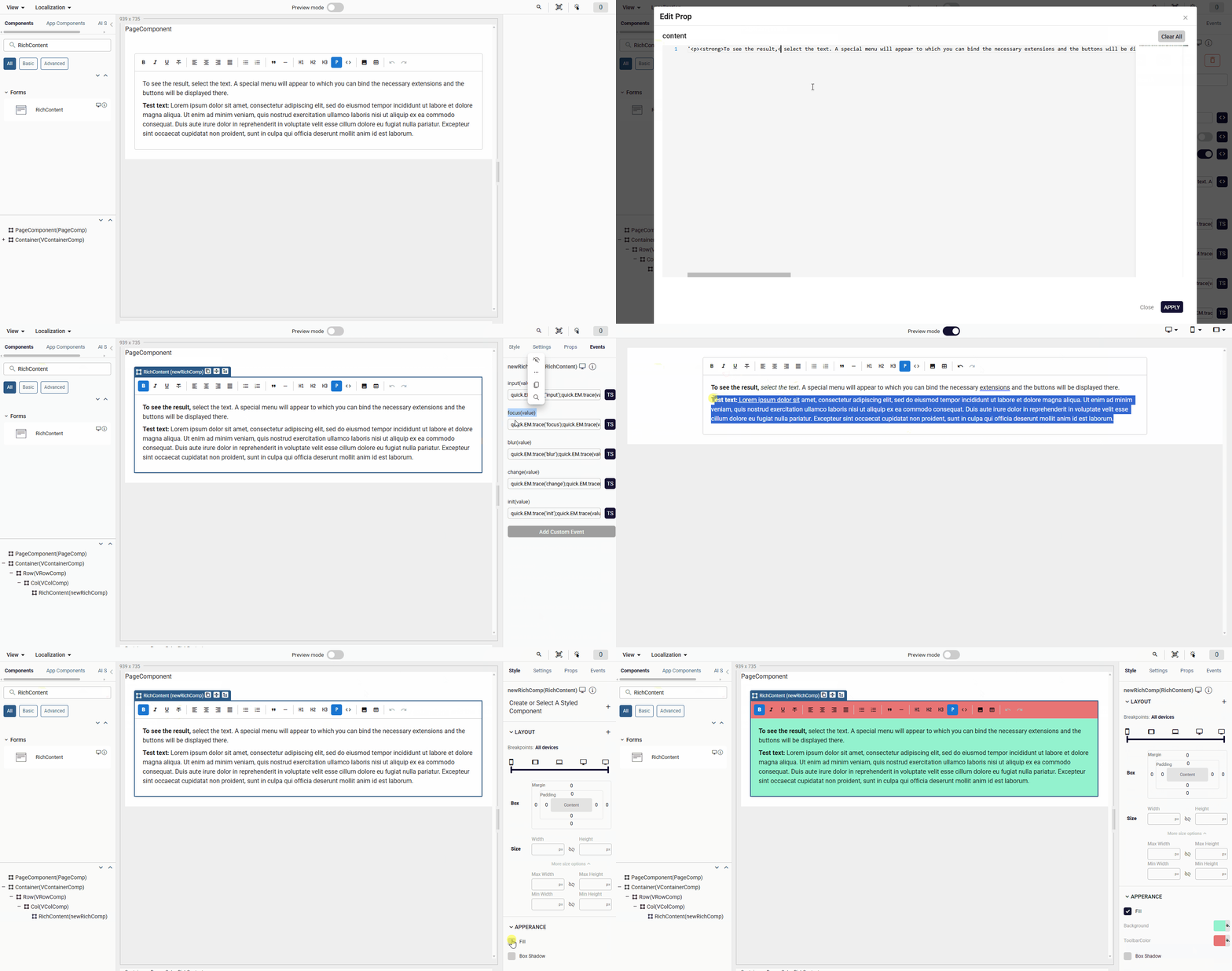
— Demonstrates how to set and control the editor's HTML content via the content prop. Changes to the prop are reflected in the editor in real time.
— Shows how to use the insertContent method to inject HTML at the current cursor position without overwriting existing content.
— Shows how to use the setContent method to fully replace the editor content with new HTML programmatically.